
Document Layouts
Documents (pdf, doc, etc.) can be inserted with alternate layouts that are available from the media library.
Accessing Layouts
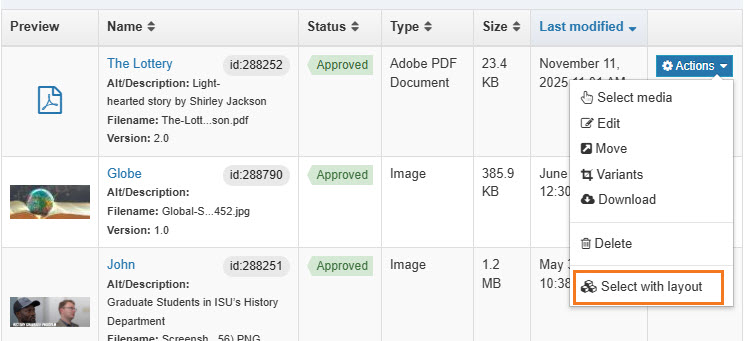
When inserting a document from the media library, instead of clicking on the icon or its name, click on the Actions menu.
In the Actions menu dropdown, choose Select with layout.
A menu with several options will open.
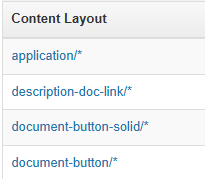
The layouts will change certain aspects of the document link.
application/*
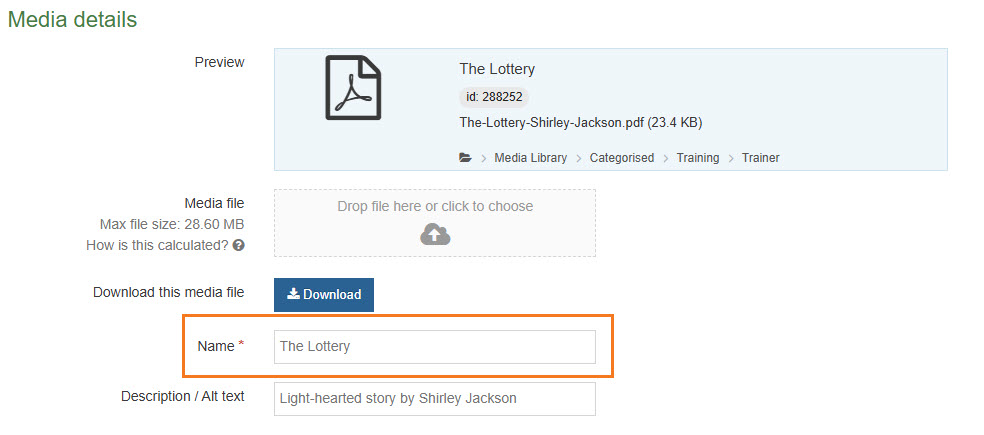
application/* is the default for inserting. It will use the text in the Name field as the text of the link.
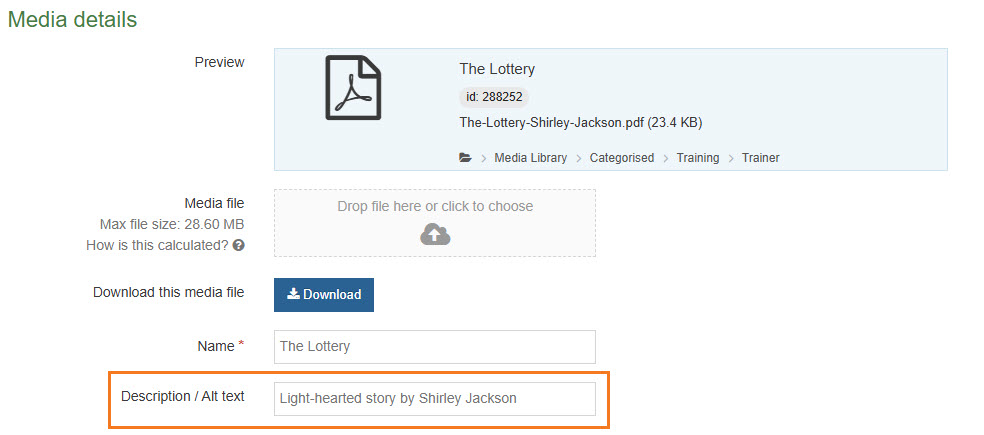
description-doc-link/*
description-doc-link/* will use the text in the Description field as the text of the link.
document-button-solid/*
document-button-solid/* will create a solid button using the text of the Name field.
document-button/*
document-button/* will create an outlined button using the text of the Name field.