
Image Layouts
Images can be displayed with alternate layouts that are available from the media library.
Use caution with these layouts.
Some layouts can behave in unpredictable ways.
Some layouts should only be used in very specific contexts.
Accessing Layouts
When inserting an image from the media library, instead of clicking on the image or its name, click on the Actions menu.
In the Actions menu dropdown, choose Select with layout.
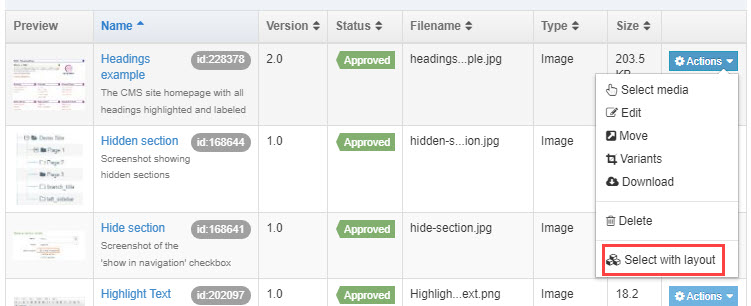
A menu with several options will open.
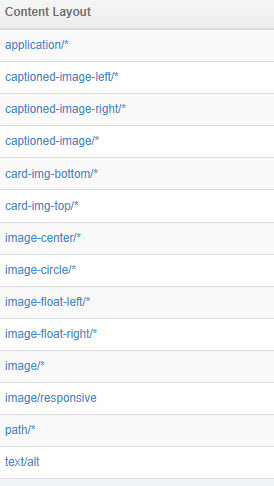
The layouts will change certain aspects of an image's appearance or placement.
Layout options you can use
image-center/*
This layout will center the image within the content type.
It will not look centered inside the text editor.

captioned-image/*
This layout adds a caption below the image. The Description (alt text) is used as the caption.
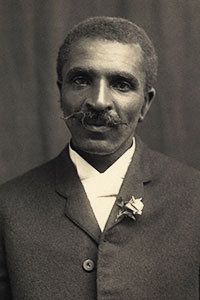
image-circle/*
This layout will display square images as circles and rectangular images as ovals.
Images will not look circular inside the text editor.
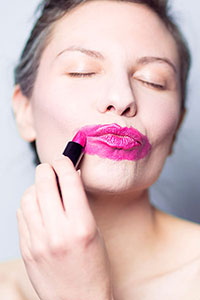
Floating images can be unpredictable.
The following examples required the use of clearfix in the Format > Formats menu in order to display correctly. See them without the clearfix
If you want text to the right or left of an image, using 2 Columns Adjustable is a better option.
image-float-left/*
This layout floats the image to the left of other content.
This text has a clearfix attached to it.
image-float-right/*
This layout floats the image to the right of other content.
This text has a clearfix attached to it.
captioned-image-left/*
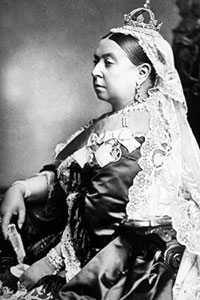
This layout adds a caption below the image. The Description (alt text) is used in the caption.
It floats the image to the left of other content.
This text has a clearfix attached to it.
captioned-image-right/*
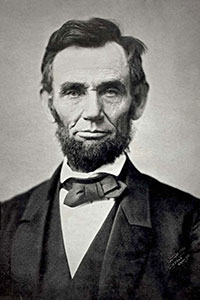
This layout adds a caption below the image. The Description (alt text) is used in the caption.
It floats the image to the right of other content.
This text has a clearfix attached to it.
Layouts you probably won't use
These layouts probably won't cause problems, but likely aren't that useful.
application/*
This layout creates a link to the image using the library name as the link text.
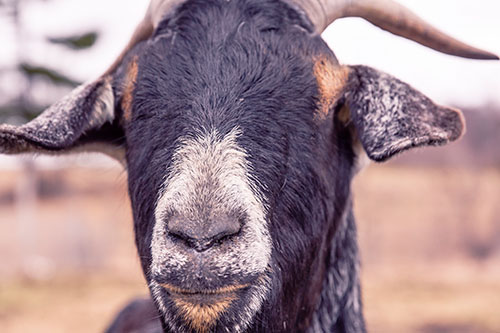
card-img-bottom/*
This layout is used within specific content types. Used out of context, it will look like a normal image, however, it will not resize based on screen width.
card-img-top/*
This layout is used within specific content types. Used out of context, it will look like a normal image, however, it will not resize based on screen width.
image/*
This is the default layout for images. It is used when you insert images in the regular way.
image/responsive
This layout is used within specific content types. It will look the same as the default image.
path/*
This displays the path to an images' location on the server.
/media/top-level/terminal-four/140828_GlowBowling_06.jpg
text/alt
This layout will display only the Description (alt text) for the image.
Glow Bowling at New Student Orienation